
The briefing
GTA 5 PS5 & XSX: All New Features & Exclusive Content for GTA Online is part of GTA V and GTA Online’s release history. The update record connects its named additions with the corresponding property, job, weapon or vehicle guides.
Topics in the original update record include GTA V & GTA Online for PS5 & Xbox Series X|S; GTA 5 & GTA Online New Features for PS5 & Xbox Series X|S; Imponte Arbiter GT; Pfister Astron Custom; Coil Cyclone II; Karin S95; Pegassi Weaponized Ignus; Career Builder; How to Transfer GTA 5 Story Progress from PS4 to PS5, or from XB1 to XSX.
The factual sections preserve the linked content and structured release information. Update numbers can differ between platform branches, and historical prices or temporary launch promotions should not be treated as current offers.
Mission, location & feature reference
Explore the individual variants, requirements, objective sequences and reference tables. Price and reward figures describe the cited record; current discounts, event bonuses and platform availability may differ.
GTA V & GTA Online for PS5 & Xbox Series X|S
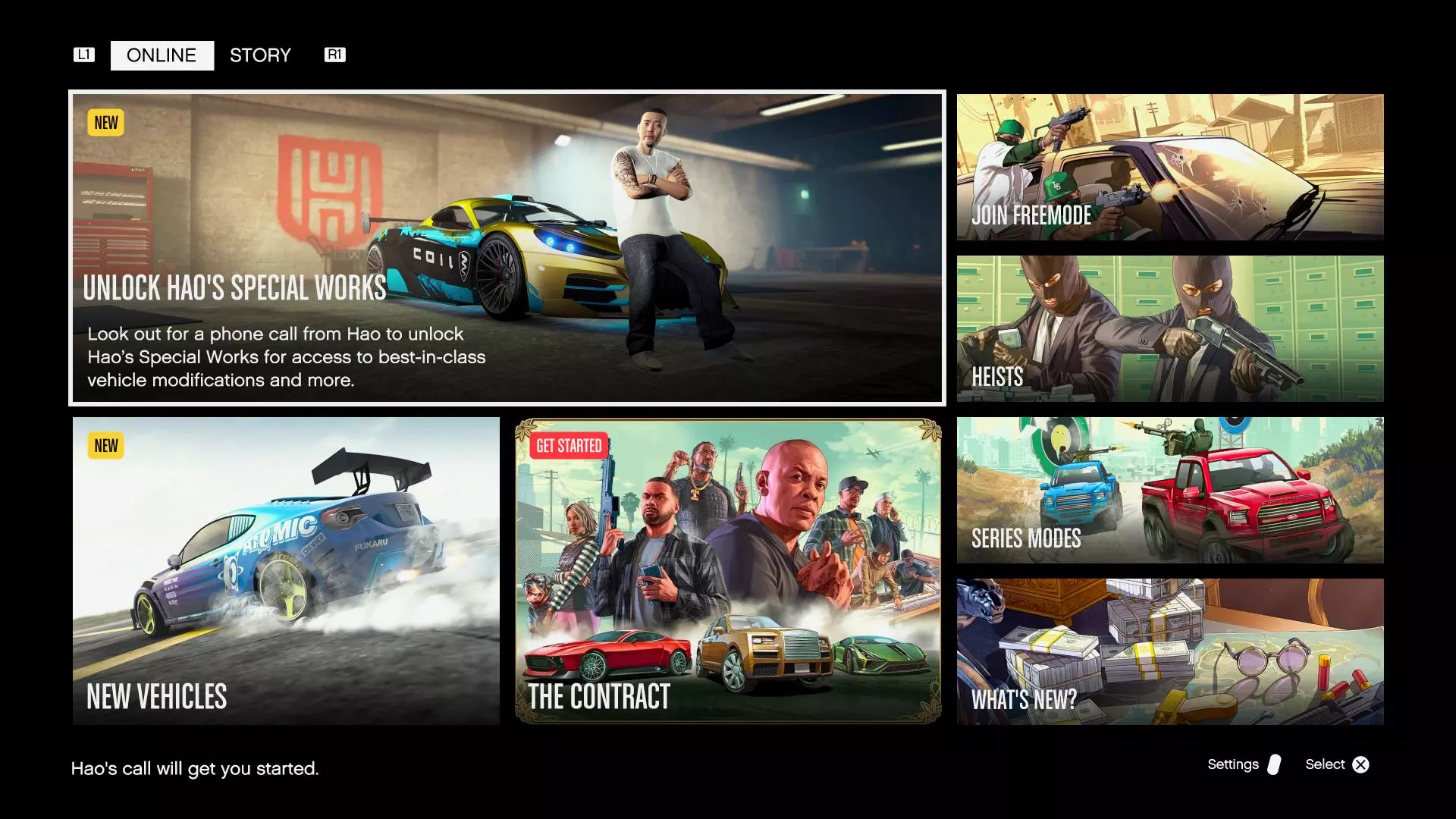
- Hao's Special Works Auto Shop
- New Vehicles for PS5 & Xbox Series X|S
- New HSW Race Series & Time Trials
- Career Builder
GTA 5 & GTA Online New Features for PS5 & Xbox Series X|S
- Improved Texture quality and draw distance
- Ray-tracing, as well as ray-traced reflections ( after 1.64 update )
- HDR options
- Faster loading times and character switching
- Highly detailed new explosions and fire
- Improved lighting quality across shadows, water reflections
- Increased vegetation density
- Increased population and traffic variety
- Enhanced gameplay, anti-aliasing, and motion blur
- Immersive 3D audio
Imponte Arbiter GT

- Muscle - $1,580,000 HSW UPGRADE
Pfister Astron Custom

- SUVs - $1,720,000 HSW UPGRADE
Coil Cyclone II

- Super - $2,250,000 HSW UPGRADE
Karin S95

- Sports - $1,995,000 HSW UPGRADE
Pegassi Weaponized Ignus
- Super - $4,500,000 HSW UPGRADE
Career Builder

- Executive: comes with CEO Office & Warehouse
- Gunrunner: comes with Bunker business
- Nightclub Owner: comes with Nightclub business
- Biker: comes with MC Clubhouse & Biker business
- A Business / Property with upgrades
- A high-end vehicle
- A set of weapons
More improvements
- A new introduction and GTA Online Tutorial for new players
- Increased base payouts on Biker Sell Missions and Nightclub Daily Income
How to Transfer GTA 5 Story Progress from PS4 to PS5, or from XB1 to XSX
Objective sequence
- Open GTA V on your current console (PS4 / Xbox One)
- Go to the Game tab of the Pause Menu
- Open GTA V on the next-gen console (PS5 / Xbox Series X|S)
- Go to the Game tab of the Pause Menu (or select the save game from the alert screen on the GTA 5 Landing Page)
- Select the " Upload Save Game " option
- Select the " Download Save Game " option
GTA 5 PS5 & Xbox Series X|S Artworks




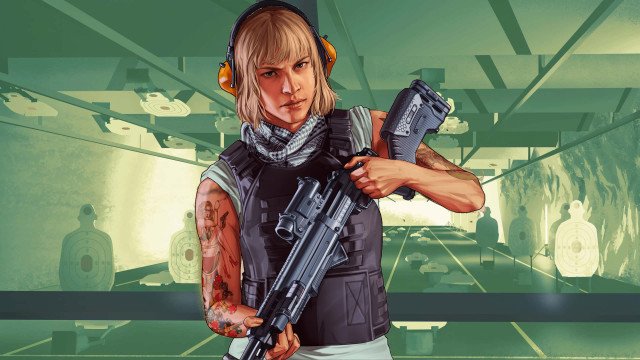









- GTA Online Next-Gen Artwork 1 gtaonline nextgen artwork
- GTA Online Next-Gen Artwork 2 gtaonline nextgen artwork 2
- Career: Biker gta online career biker
- Career: Executive gta online career executive
- Career: Gunrunner gta online career gunrunner
- Career: Nightclub Owner gta online career nightclub owner
- GTA Online Next-Gen Artwork 1
- GTA Online Next-Gen Artwork 2
- Career: Biker
- Career: Executive
- Career: Gunrunner
- Career: Nightclub Owner
- GTA Online Standalone Cover Art gta online standalone cover
- GTA Online Standalone Cover Art
- GTA V Cover - PS5 & Xbox Series X|S
Videos & walkthroughs
Select a video to load its YouTube player. Loading the player connects to YouTube.
Sources & further reading
Read the game and edition listed in the facts panel before applying gameplay advice. Story outcomes are marked as spoilers. Read our corrections policy.