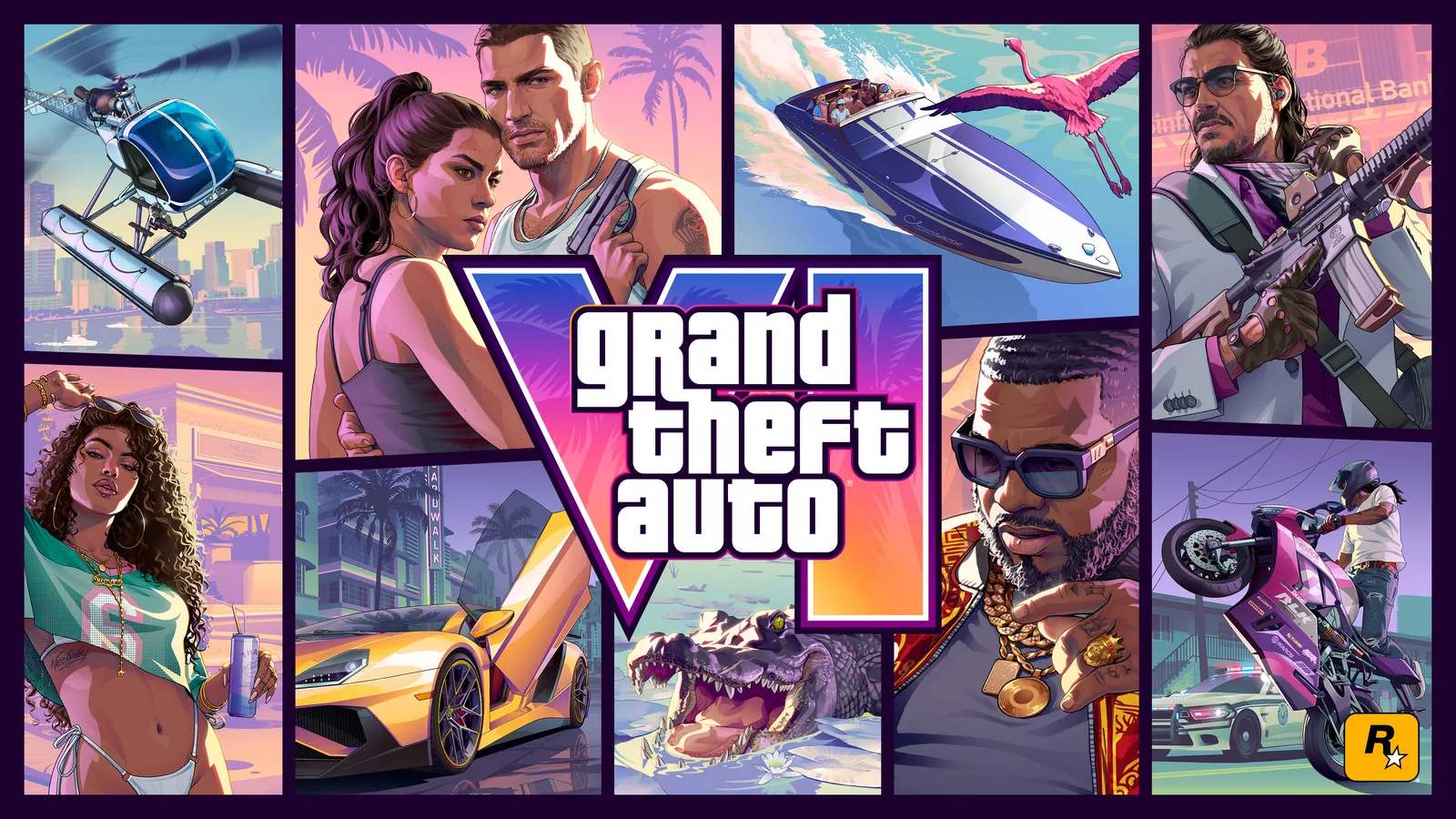
The briefing
Prepare for GTA VI by choosing the correct platform and edition, then checking the delivery format. Rockstar currently lists PlayStation 5 and Xbox Series X|S for November 19, 2026. Its version FAQ describes Standard and Ultimate editions and a physical retail product supplied as a code in a box rather than a game disc.
Check the license before the packaging
A case photograph does not tell you how the game will be installed. A digital code needs the appropriate platform account and redemption process, while the edition determines the benefits attached to that license. Compare the exact SKU, region and platform rather than relying on the artwork alone.
If buying as a gift, confirm the recipient’s console and account region. If comparing retailers, separate the base game, edition benefits, preorder offer and any unrelated merchandise. This avoids treating a collector’s item or album purchase as if it automatically included the game.
Preload and installation
The official FAQ gives November 12 at local midnight as the preload start. Use the platform store for the availability shown for your own account and product. A preload date is different from the time the installed game becomes playable.
Keep enough storage for the store’s stated installation and any required update, and allow time for a large download. This guide does not invent a fixed storage figure where the current listing has not supplied one. Check the product’s actual requirement on the console before clearing space.
A practical launch-day sequence
Verify that the correct license appears in your account, install available updates, and confirm the game’s unlock message. Review accessibility, subtitles, display and control settings before beginning the story. These steps make the first session smoother without requiring an unsupported performance preset.
Keep launch details tied to the date of the source. An earlier delay announcement, old preorder screenshot or unrelated regional store may show information that has since changed. The release guide links the current publisher listing; this article explains how to act on it.
Sources & further reading
Rockstar platform, editions and version FAQ ↗
Current official release listing ↗
Read the game and edition listed in the facts panel before applying gameplay advice. Story outcomes are marked as spoilers. Read our corrections policy.